Access · Popular
How to sign in to the app
Sign-in, forgotten password, and profile: the steps to get back into your account.
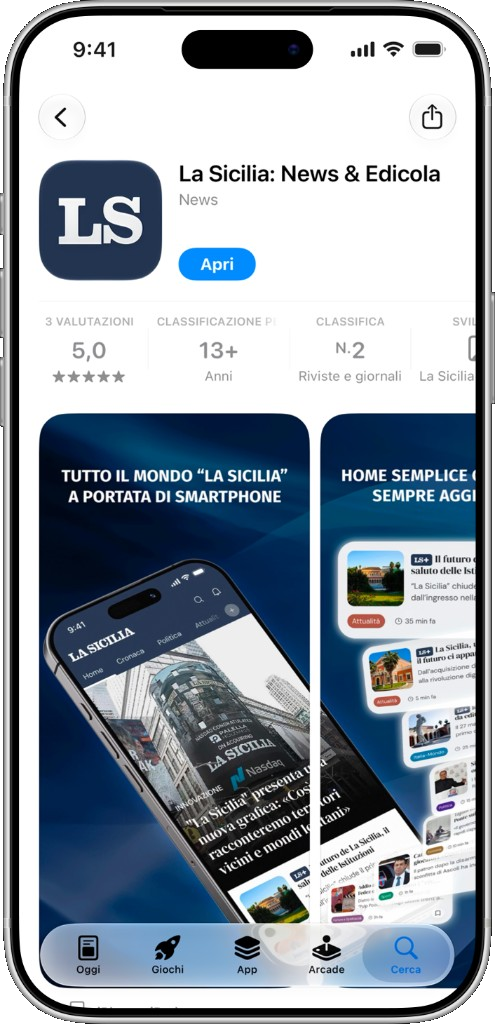
Open the app
Download La Sicilia from the App Store or Google Play and open it.
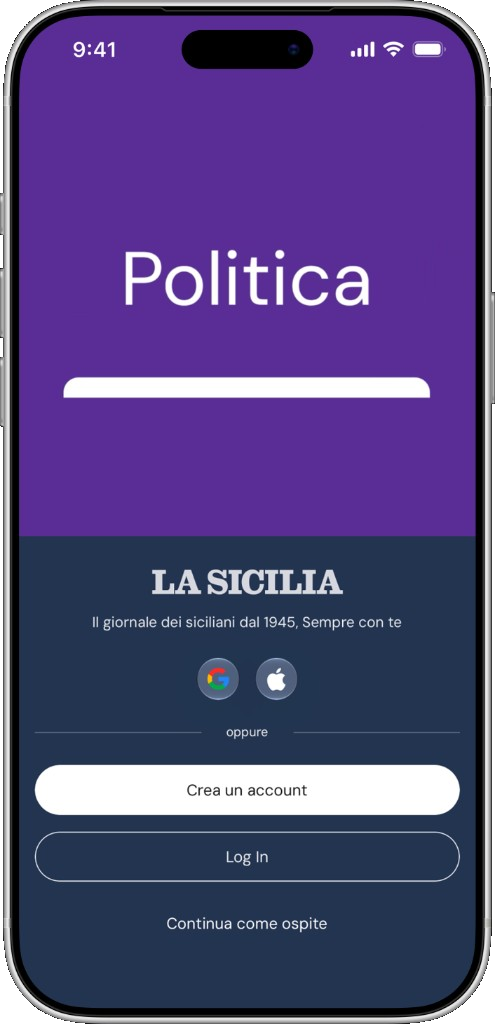
Sign in or register
Tap “Create an account” or “Log In”.
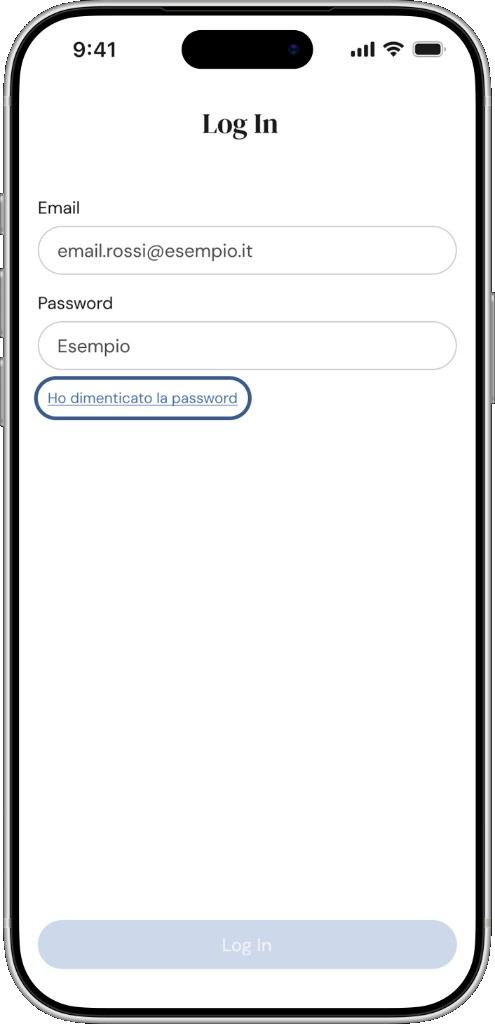
Enter email and password
Fill in the fields and tap Log In. If you do not remember the password, tap “Forgot password”.
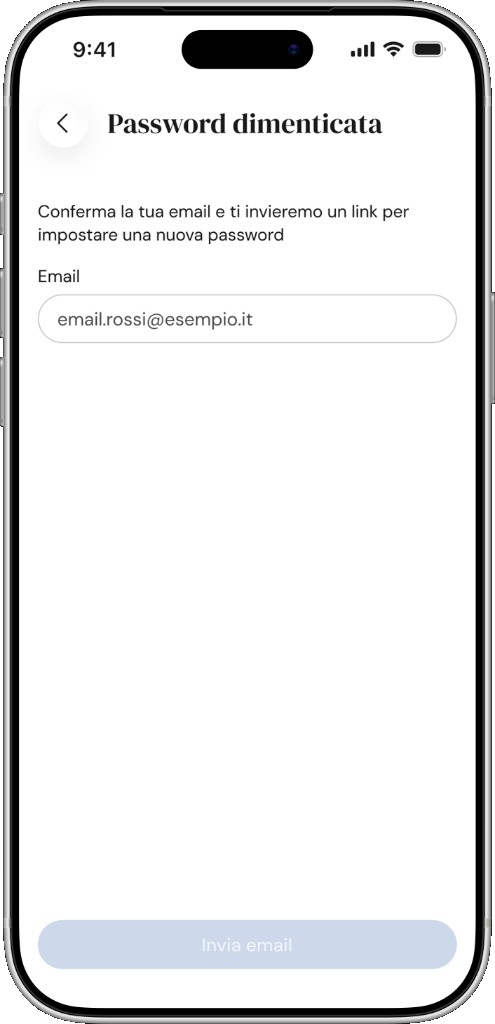
Forgotten password
Confirm your email: we will send a link to set a new password.
No email or code? Check spam and filters, then request it again.
After signing in
You can read the news. Profile is at the bottom right.

Sign out
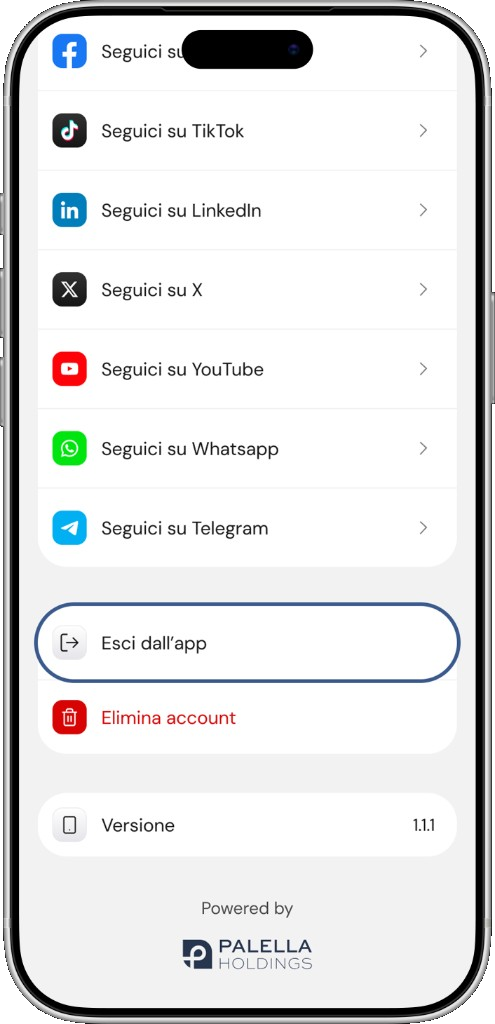
In Profile, scroll down and tap “Sign out” to sign in with another email.